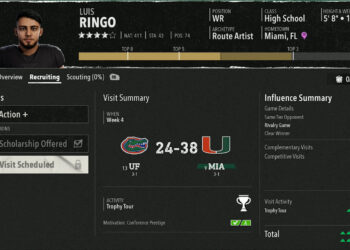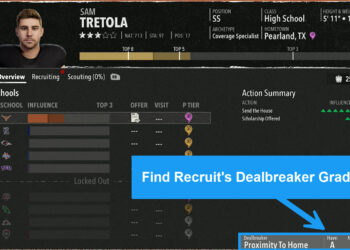
When you first open up CFB 26 dynasty mode and head into recruiting, you are presented with the default “Recommended” tab where it is supposed to show the best recruits that have interest in your school.
That’s how it worked last year, and how common sense dictates it should work this year as well. However, if you rely on the default “Recommended” tab that EA gives you, you are likely missing out on some elite recruits that you have a real chance at getting.
To illustrate this point, started a brand new test dynasty using Air Force.
We jumped straight into the recruiting prospect list and the default “Recommended” tab. Then searched by star rating. The highest rated player on this list was a 3 star recruit. However, simply by going to a different tab, we found out that there were actually a bunch of 4 star recruits that were interested in our school. Some even had us listed as their first choice.
The video clearly shows a bunch of 4 star recruits we had a real chance at landing who were completely hidden from the recommended list.
To illustrate the point further, the screenshot below shows the recommended tab sorted by star rating.

The next screenshot shows how 9 different 4 star recruits had our school #1 on their interest list.
All we did to find them was toggle to the 4 star prospects screen and then sorted by interest.

Any coach that is taking over a lower prestige team would absolutely want to know that there are a bunch of 4 star recruits interested in their school.
Don’t miss out on top tier talent! Even if you used the “Recommended” tab in the past, this is your notification to absolutely ignore that tab and search for recruits using other filters going forward.
When doing our initial CFB 26 dynasty tests, we also found another interesting secret: You don’t always want to pitch your highest graded motivation on visits. We go over that in detail in our All Access section.
Next Up: View our interactive map of every team’s recruiting pipelines in CFB 26!